Changelog,
every update included
Every Viola UI release, newest first. Updates are free for everyone who has bought the kit: open the link in your purchase email to duplicate the latest file.
The full order flow, Markets, mobile screens and Lucide icons
The trade flow now runs from the ticket to review, confirmation, orders and every way an order can fail, all from the same 5-share VWCE buy. Markets now goes as deep as the Fund page, with stock detail, a screener, search, movers, watchlists and price alerts. Plus 10 mobile screens, the full Lucide icon set, calmer type, and error colours that never read as a loss.
Added
- Order review: buy, sell and warning versions as a modal over Trade, plus a review step in the order ticket
- Order confirmation: working, filled and partially filled, with the receipt, a status timeline and next actions
- Orders list: every order with counts on each tab, filters, a summary strip and an empty state
- Order detail: fills, timeline and related links, plus modify and cancel
- Rejected orders: insufficient funds, price outside limits, market closed, and rejected by the exchange
- Stock detail: ASML overview with a price chart, your average cost line, earnings and dividend markers, your position, key statistics and a labelled AI summary. Financials and Analysts tabs, including a not-held position
- Screener: filters, presets, removable filter chips and sortable results with watchlist stars, plus no-results and loading states
- Search: a dropdown with recent searches and grouped results, a full results page, and no results with a suggestion. Each ends with an Ask the copilot row
- Movers and heatmap: gainers, losers and most active, a heatmap sized by market cap or by your own positions, and a greyscale-safe version with signed labels
- Watchlists: several lists you can reorder, rename and delete, an add-instruments modal with multi-select, and an empty list with suggestions
- Price alerts: alerts with distance to target, recently triggered alerts, a create-alert modal from the bell on any stock, and an empty state
- Mobile screens: 10 core screens (Portfolio, Holdings, VWCE, Markets, Order ticket, Cash & transfers, Activity, Documents, Copilot, Settings) and the open menu, in light and dark
- Restyle examples: the dashboard, Markets and Trade screens in three new styles, with every change from the original listed
- Components: avatar, badge, toast, breadcrumb, accordion, empty state and mobile navigation; table cells for a status tag or row actions
- Error tokens: semantic/error, error-subtle and error-border, so a failed action is never read as a loss
- Text styles: body/emphasis for names in rows and lists, and caption/table-header for 10px uppercase column headers
Changed
- Icons: every icon is now Lucide, and the full Lucide library is in the kit: 1,652 icons
- Error states: alert, input, select, checkbox, radio, date picker, tag, progress bar and toast errors use the error tokens instead of loss red
- Modal: the content area is a slot you can fill with any layout, and the description can be turned off
- Modal templates: status icons are one colour, matching their background
- Typography: inputs and selects are Regular, control labels and table numbers Medium, card titles SemiBold. Page headings and buttons keep their weights
- Table header cell: new sort, filter and tooltip options. Headers are 10px and always uppercase
- Tags: icons use a 1px stroke and take the tag’s text colour
- AI tiles: every AI tile uses the kit’s AI icon in its own colours, with no stroke
Ready for AI coding agents
Every variable now has a code name, and your download includes a full agent pack, so Claude Code, Cursor and Codex build Viola screens from tokens instead of hex values. Same 45 screens and €48,203.11 portfolio.
Added
- Code names: every variable has a web code name, so Dev Mode and Figma’s MCP server give var(--bg-surface), not hex values
- Agent pack: AGENTS.md, CLAUDE.md, a Cursor rule, the /viola-ui and /viola-review skills for Claude Code, a guide to every component and the full sample data
- Tokens in code: CSS variables, Tailwind v3 and v4, and W3C Design Tokens JSON, in light and dark
- Guide: a new “AI and code” page in the kit
Changed
- Loss red is #DC2626 in light and #F87171 in dark, for readable contrast in both modes
- The benchmark line is neutral grey, so green only ever means a gain
- Negative values use the minus sign (−), not a hyphen
- Clearer variant names: sparkline trend (up-1 to down-2) and Charts view (Value, Performance)
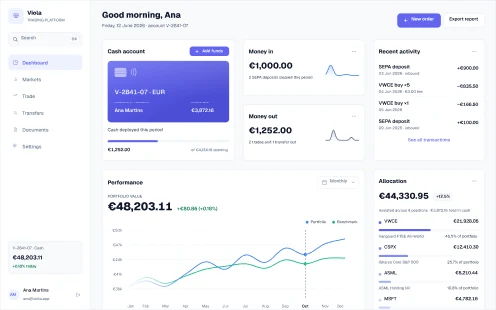
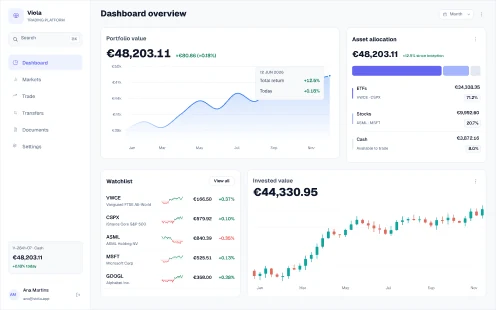
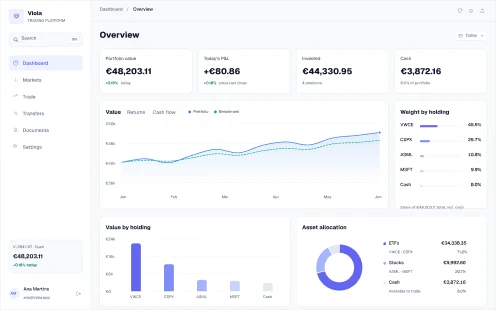
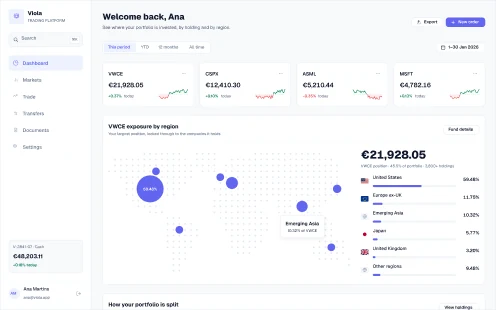
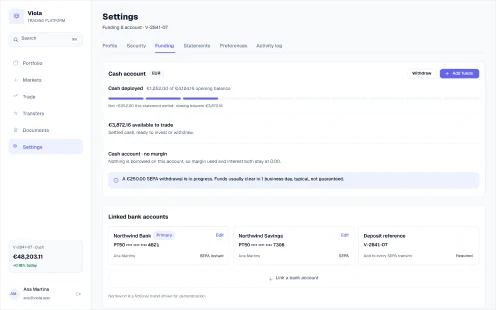
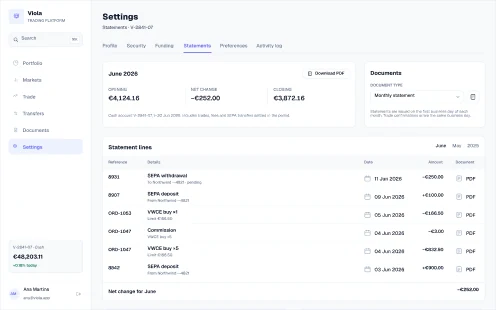
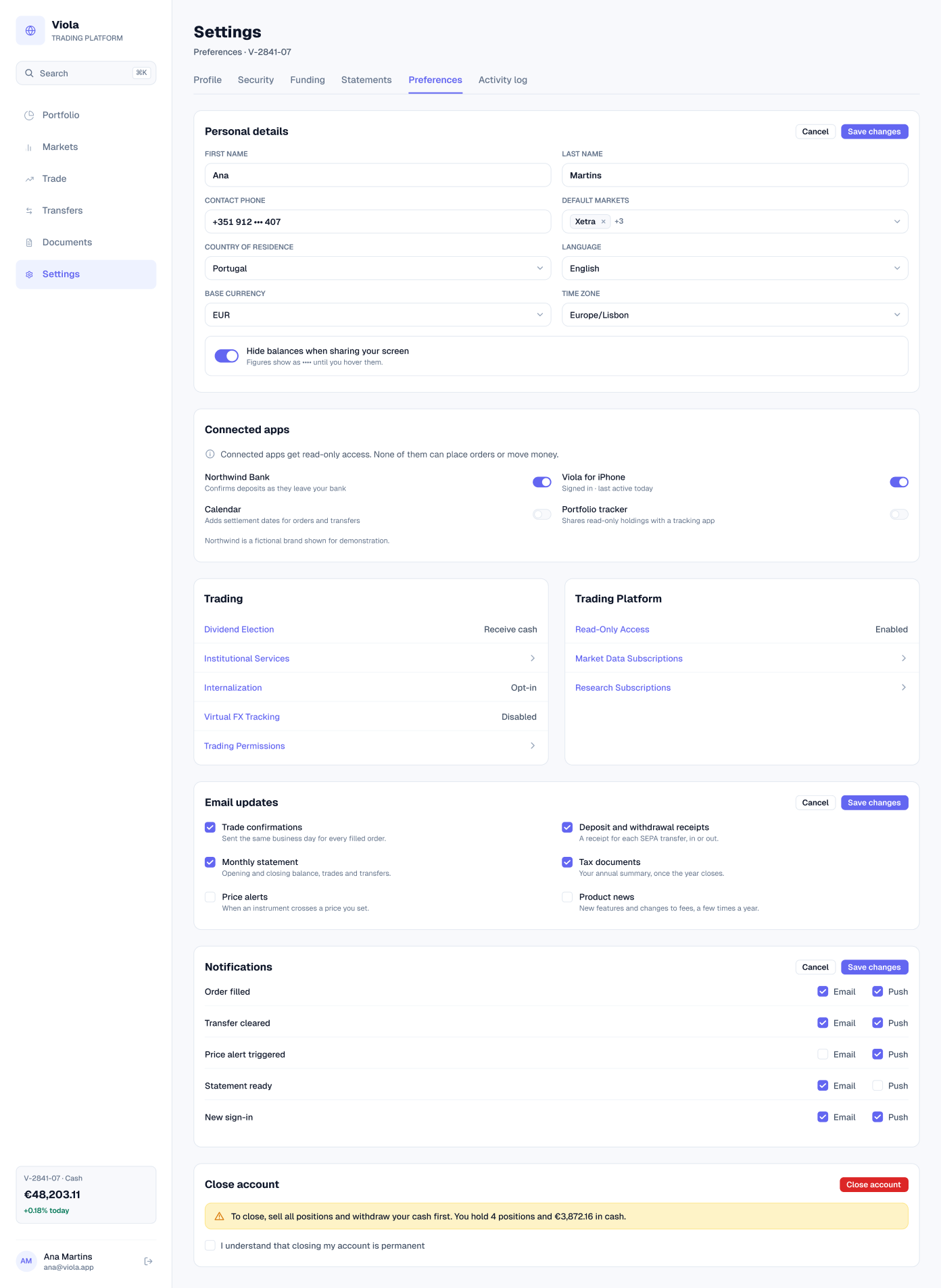
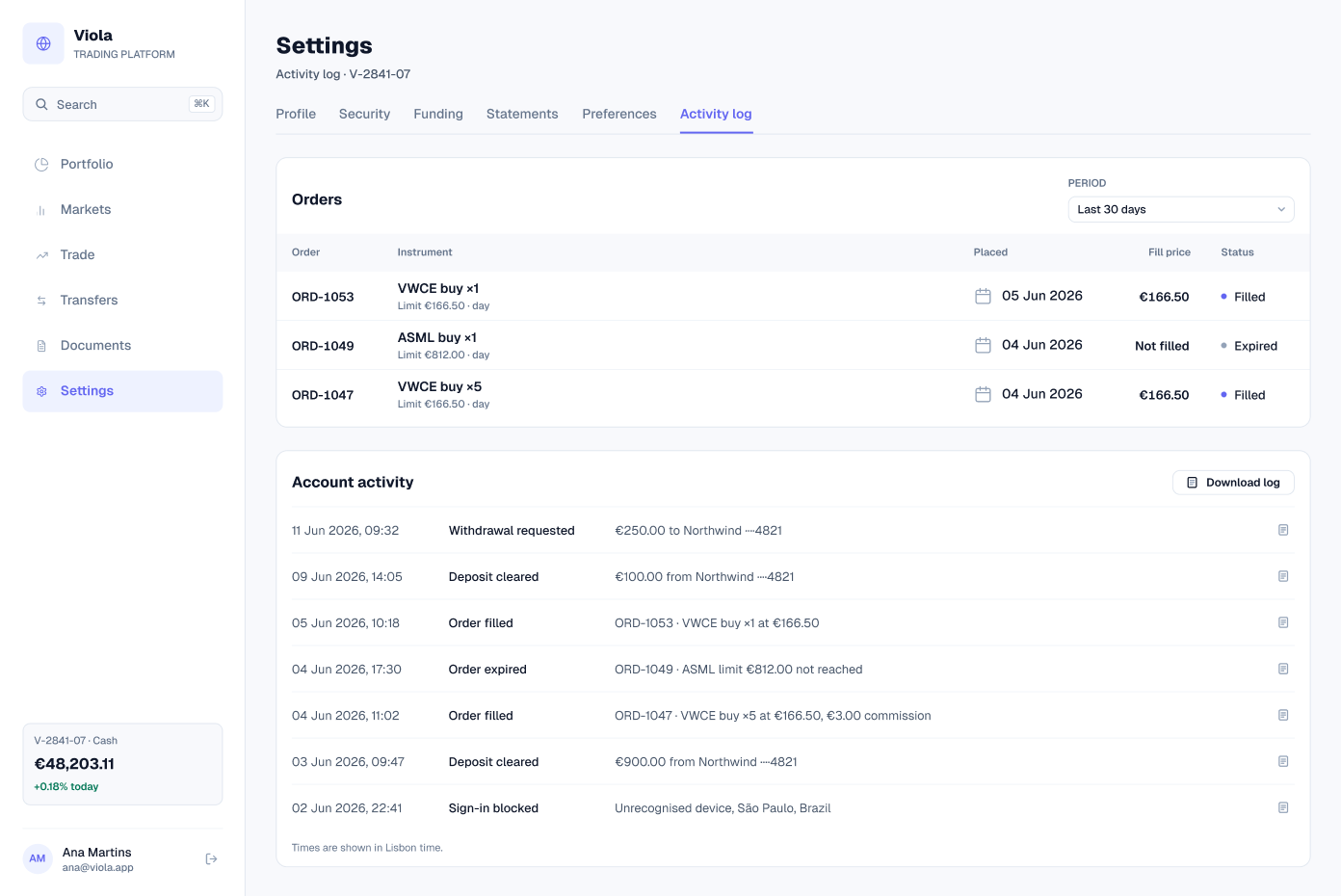
Four new dashboards and four new settings pages
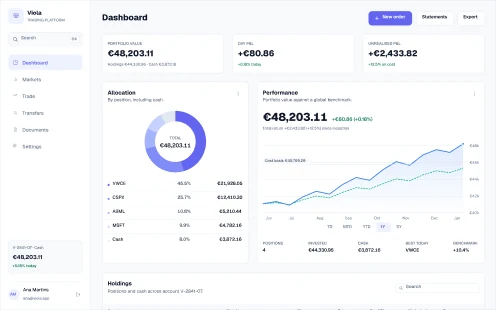
45 screens, each in light and dark. Every figure still reconciles to the same €48,203.11 portfolio.
Added
- Dashboards: Home dashboard, Dashboard overview, KPI overview, Exposure dashboard
- Settings: Funding, Monthly statement, Preferences, Activity log
Changed
- Portfolio figures reconciled across every screen: total €48,203.11, cash €3,872.16
An AI copilot, plus cash and settings
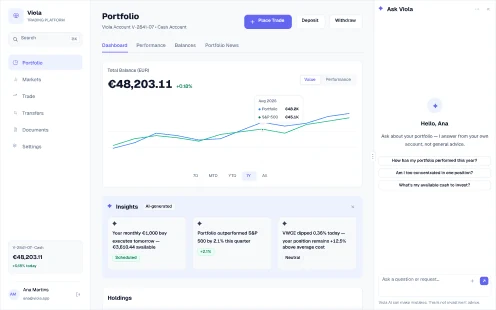
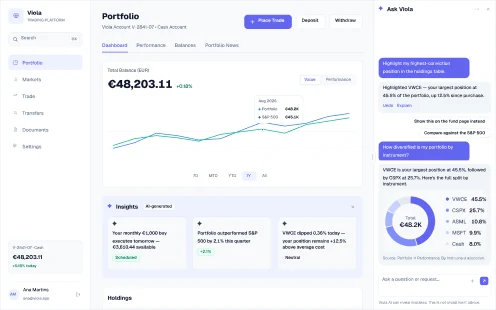
38 screens, each in light and dark (76 frames). The “Ask Viola” assistant answers from the user’s own account and never gives investment advice.
Added
- AI copilot: welcome, action with undo, chart answer, wider panel, collapsed, and Copilot on Documents
- Dashboards: Summary dashboard
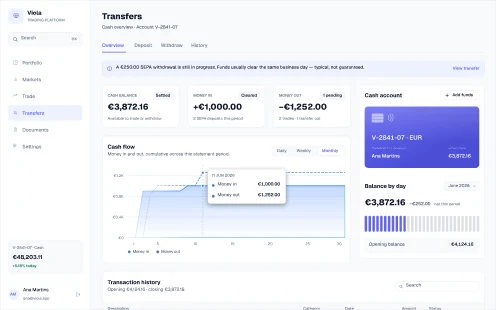
- Cash & transfers: Cash overview
- Settings: Profile
First release
The first public version of Viola UI: a fintech and AI UI kit for Figma built on one reconciling dataset.
Added
- Portfolio, fund page, markets, trade and order ticket, documents, KYC onboarding and sign-in screens
- Component library with light and dark variable modes
- 5 AI components that are labelled, sourced, dismissible and reversible
Buy once.
Every update is free.